


If your Tesla charger is not appearing in the RoadToEV app after linking your Tesla account, please check the following:
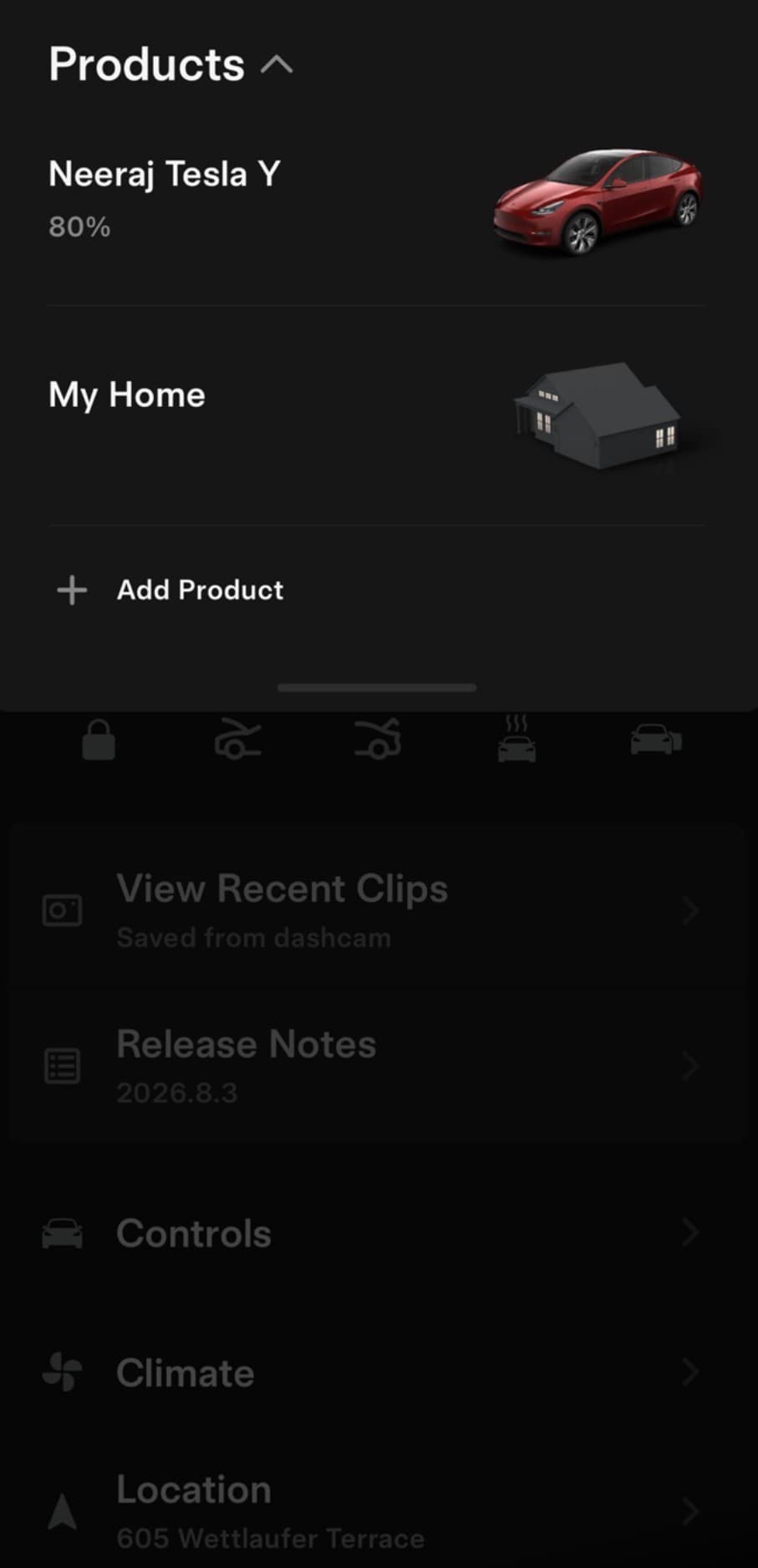
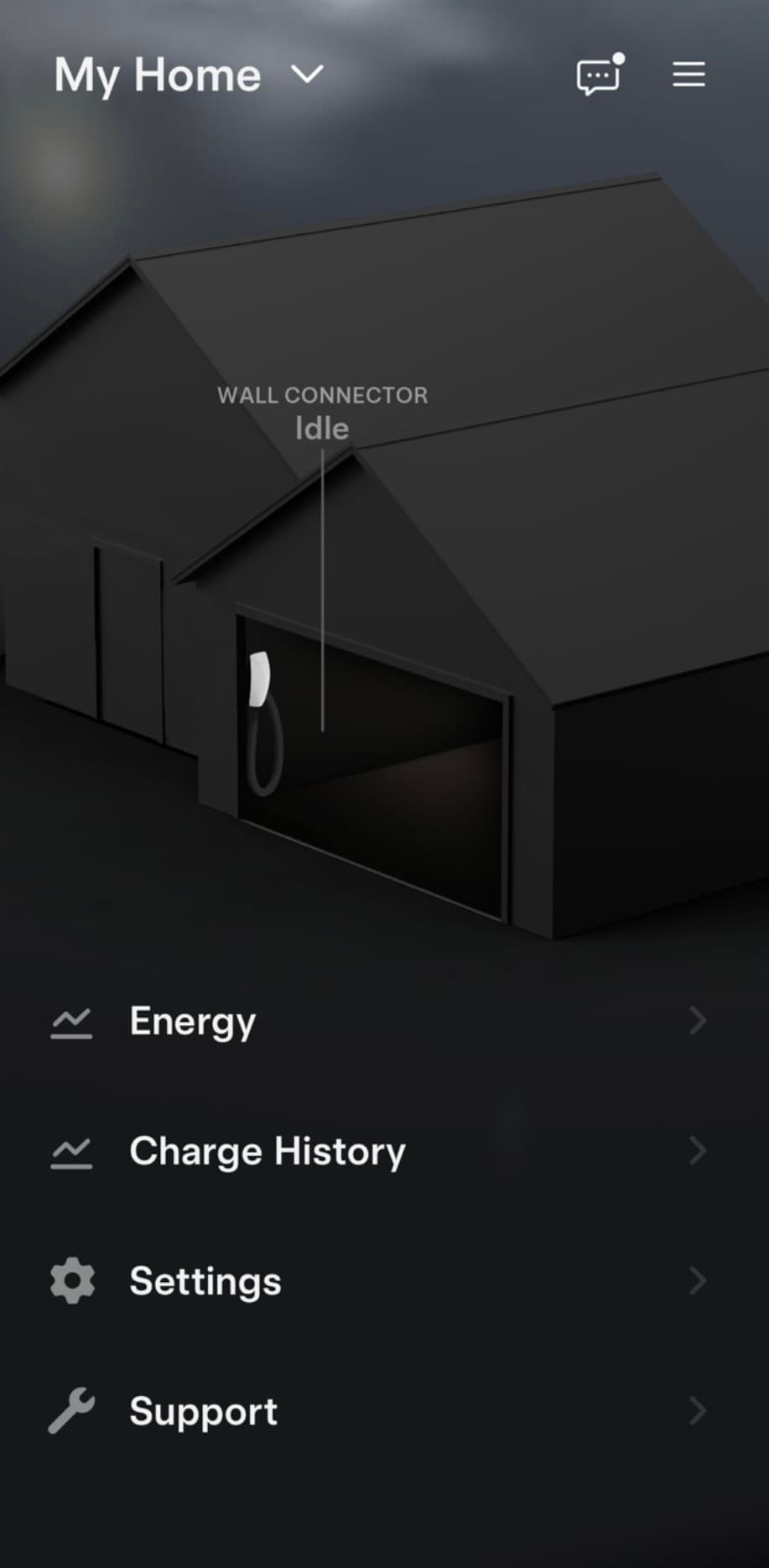
If you have a Tesla Wall Connector successfully connected to your home wifi, it should appear under “My Home” or “Tesla Home” in your Tesla App (viewable by clicking on the vehicle name on the top left corner of the Tesla App), where you can view charging history and status. A wifi connected charger is required, to ensure RoadToEV app can access the charging data for Carbon Credits.
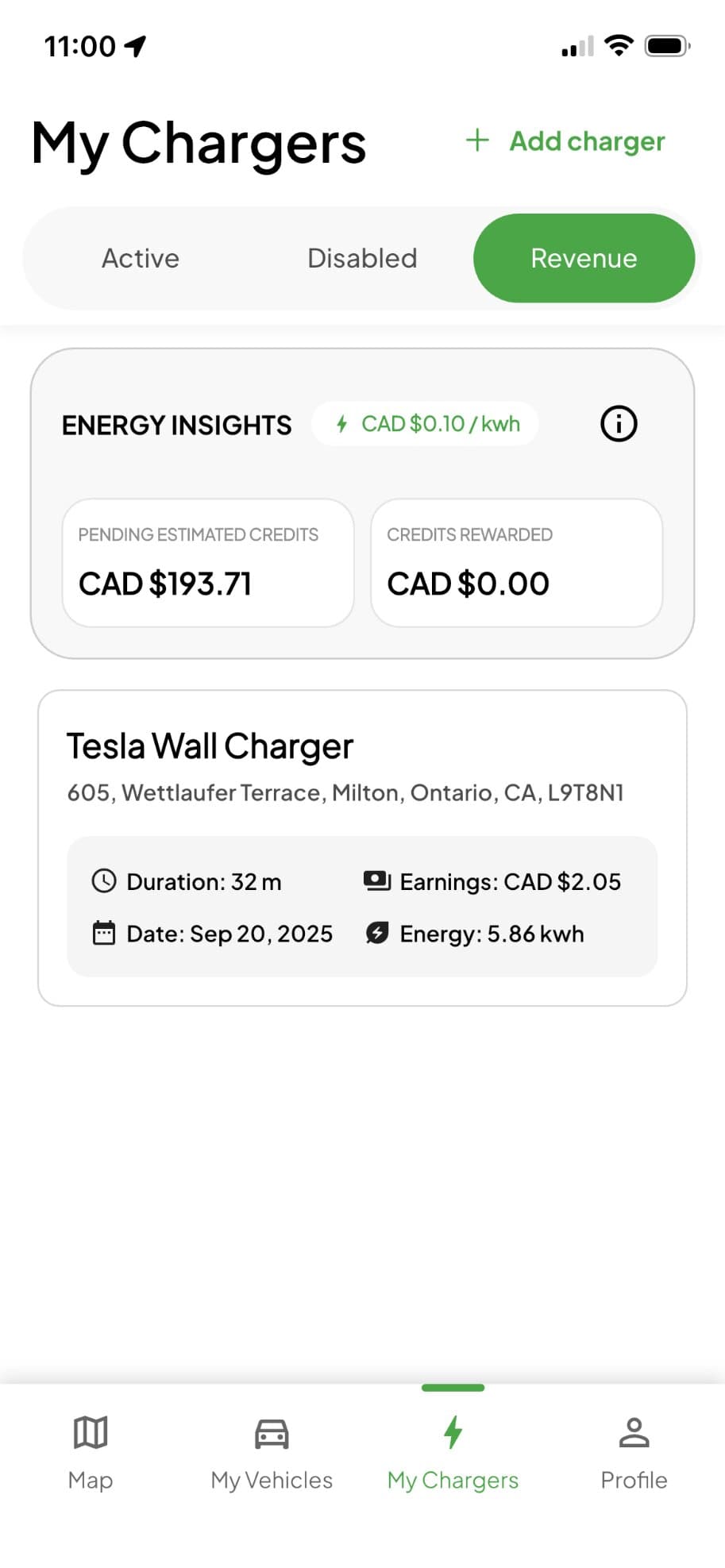
Once your Tesla account is successfully linked to the RoadToEV app, your charger should automatically appear in the “Chargers” section of the app.
If it still does not show up, please ensure:
- The Tesla account was properly connected in the RoadToEV app
- The Wall Connector is correctly registered to your Tesla account
- The charger is connected to Wi-Fi and operating normally
Important note:
The Tesla Wall Connector’s Wi-Fi credentials (including the WPA2 password) are located inside the unit. To access them, carefully remove the top two and bottom two screws on the charger panel.
For a quick reference, you can watch this setup guide:
Watch Setup Guide